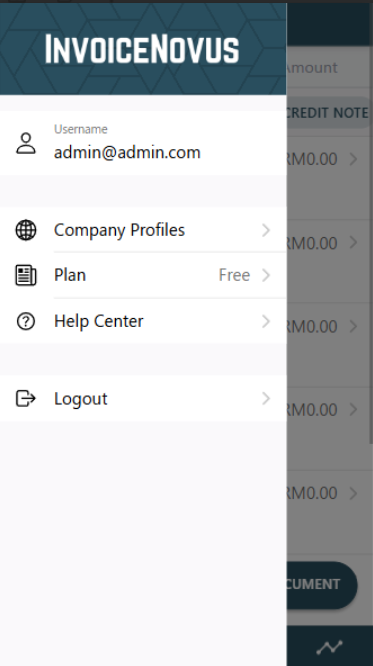
The Main Menu allows you to manage your account, company information, subscription plan, access help resources, and log out of the system.
Click the hamburger icon (☰) located at the top-left corner. 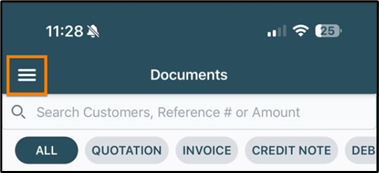
Available Options:
- Company Profiles: View and edit your company profile. After making changes, click the icon (✔) to save.
- Plan: View your current subscription plan, either Free or Standard.
- Help Center: Access tutorials and user manuals to assist with using the invoice system.
- Log Out: Click to log out of your account.