
? Where to Access Accounting
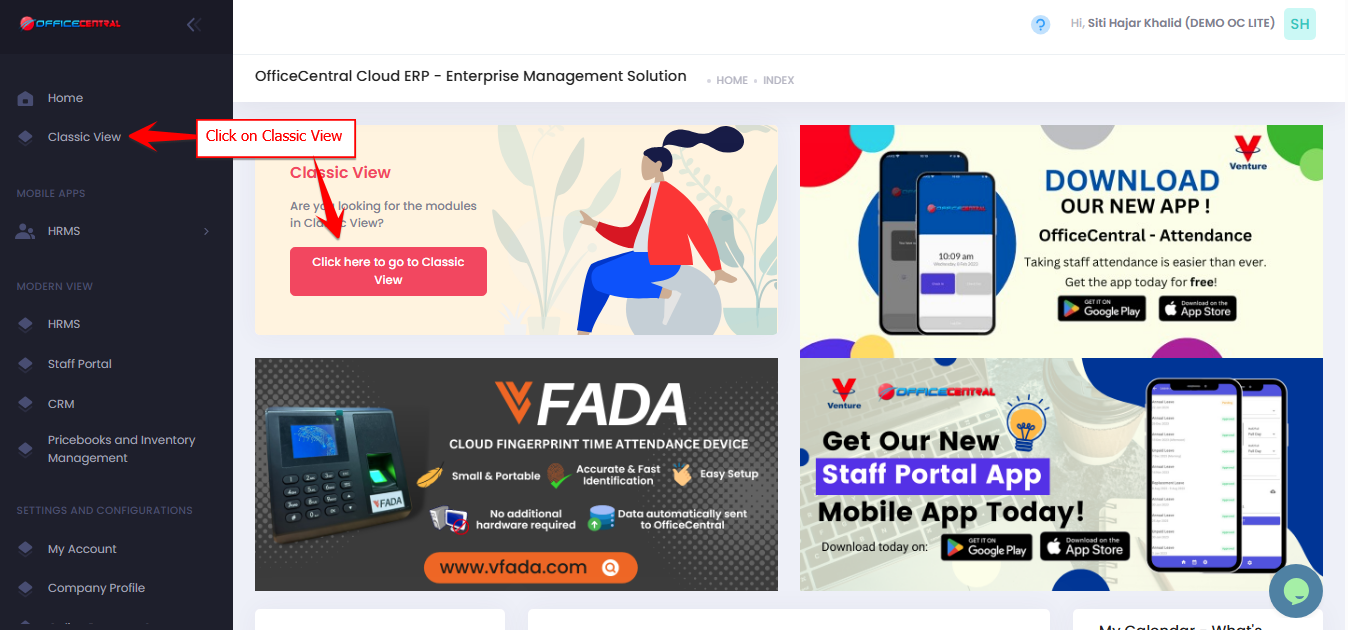

Where to Access This Function
Go to Accounting > Configurations
Click on Reference Number
Reference Number Setup
This setting controls how reference numbers for Accounting transactions (such as Invoice, Receipt, Credit Note, Debit Note, Payment Voucher, Self Invoice etc.) are generated.
Reset Period
You can configure when the running number resets.
| Setting | Explanation |
|---|---|
| By Year INV/{YYYY}/{X} | The running number resets every year. Example: INV/2026/1, INV/2026/2 → next year becomes INV/2027/1 |
| By Month INV/{YYYY}/{MM}/{X) | The running number resets every month. Example: INV/2026/01/1, INV/2026/01/2 → next month becomes INV/2026/02/1 |
This helps maintain organized numbering based on accounting or reporting periods.
Running Number Format
The system uses a standard running number format.
| Example | Result |
|---|---|
| Running number | 1, 2, 3, 4 |
| Not supported | 001, 0001, 01, 00001 |
The same rule applies to larger numbers.
| Example | Result |
|---|---|
| Number 11 | 11 |
| Not supported | 011, 0011, 00011 |
Important Recommendation
Once the reference number format is configured, users are recommended not to manually edit the reference number when creating transactions.
Manual changes may cause the running number to skip.
Example:
Reference format:INV/{yyyy}/{x}
Expected sequence:
INV/2026/1 INV/2026/2 INV/2026/3
If a user manually edits the number:
INV/2026/3 ← manually edited "INV/2026/3 - PROJECT ABC"
This may create gaps in the numbering sequence.
⚠️ Best practice: Allow the system to generate reference numbers automatically.